
The world of digital payments continues to evolve quickly, and the PayPal credit card online is now a common financial tool for those who value both convenience and security.
This article offers a straightforward, educational overview of how to apply for a PayPal credit card online, who it suits best, and the advantages you might find along the way.
Anyone interested in seamless online spending, improved purchase flexibility, or managing rewards may be curious about PayPal's credit products. This guide explains the essentials, aiming to be practical and easy to follow.
Understanding the process can help readers feel more confident exploring what’s available—without pressure or technical jargon.
What Is a PayPal Credit Card?
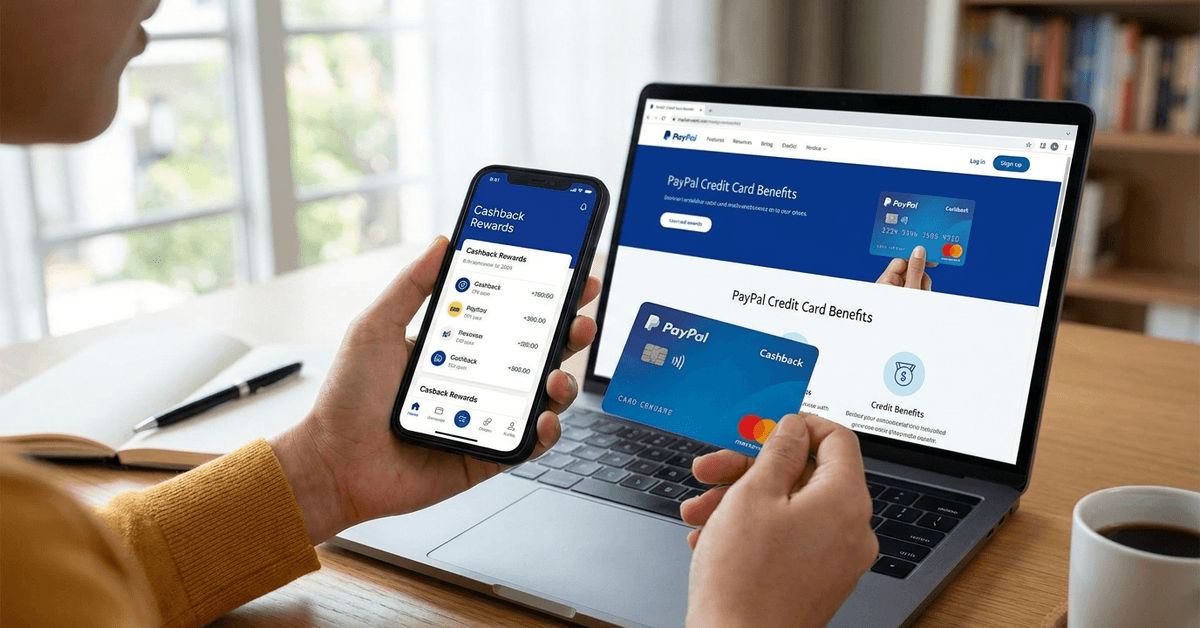
The term "PayPal credit card" can refer to more than one product. Generally, it means a credit card issued in partnership with PayPal, such as the PayPal Cashback Mastercard or the PayPal Extras Mastercard. Both link directly to your PayPal account, making it simple to spend or manage funds online.
Main Types of PayPal Credit Cards
- PayPal Cashback Mastercard: Focuses on unlimited 2% cashback rewards on purchases.
- PayPal Extras Mastercard: Allows you to earn points redeemable for gift cards, travel, or merchandise.
While not exactly the same, PayPal also offers PayPal Credit (formerly known as Bill Me Later), which is a digital credit line rather than a physical card. Some people might mix these up, but the application steps are slightly different.
Who Is a PayPal Credit Card For?
Based on most user experiences, PayPal credit cards fit those who shop online often, want integrated rewards, or need a straightforward way to manage both PayPal and credit card transactions all in one place.
Business owners might prefer other solutions, but the consumer version is tailored for individuals and families.
Why Consider a PayPal Credit Card Online?
Some possible reasons for choosing a PayPal credit card include convenience, strong rewards programs, and integration with PayPal’s existing security features.
It's perhaps not a universal fit, but it can be attractive to frequent online shoppers are already comfortable within the PayPal ecosystem.
Highlights and Benefits
- Fast integration with your PayPal wallet, allowing for direct management of payments and rewards.
- Additional security features, including purchase protection and fraud monitoring.
- Rewards structures tailored to shopping habits, whether cashback or points-based.
- Global acceptance through Mastercard’s extensive network.
Still, not everyone reports the same experience. Some users mention that while PayPal excels at online payments, they occasionally feel the credit card is less recognized by traditional retailers. This may not be a major issue, though, given the online-first focus of the card.
Eligibility Requirements for PayPal Credit Card
Before starting your application, it helps to review some basic eligibility criteria. While details may change, these are some common factors that seem to come up based on customer feedback and official guidelines:
- Valid, U.S.-based PayPal account in good standing
- A minimum age of 18 years or older
- Satisfactory credit history (often a credit check is performed)
- Valid Social Security Number and U.S. physical address
These requirements are fairly standard for most credit card applications. Some users have noted that approval may be stricter than with store cards, but not as tough as premium or travel credit cards.
Simple Steps to Apply for a PayPal Credit Card Online
The online application process for a PayPal credit card is designed to be accessible. Even those new to credit products have found it fairly self-explanatory. Still, a step-by-step breakdown may help smooth out any uncertainty.
Step 1: Sign in to Your PayPal Account
Begin at the official PayPal website and sign in safely. For those who haven’t set up an account yet, there’s an option to create one during the process.
Step 2: Locate the Credit Card Applications
On your dashboard, navigate to the “PayPal Credit Cards” section. Links are typically found in the “Wallet,” or directly under any “Offers” tab. It may be a little tucked away for first-time applicants.
Step 3: Select the Card Type That Suits You
Review the features of both the Cashback and Extras Mastercard. Some comparison might feel unnecessary if your spending habits clearly match one reward structure more than the other. But for the undecided, take a quick glance at key differences before proceeding.
Step 4: Fill In the Application Form
Personal data (like address, Social Security Number, date of birth) needs to be entered. Experian or another credit bureau is usually used for a credit check. The application interface tends to guide you to complete each step.
Step 5: Review and Submit
It might be tempting to click through, but checking all details here will help prevent mistakes. Typos in your Social Security or address can lead to frustrating delays or rejections. After verifying your information, submit the form for review.
Step 6: Instant Decision or Follow-Up
Some users receive an approval, rejection, or request for additional documents within seconds. Others may need to wait a few business days if manual review is needed. Monitoring your email for updates is advised.
After Applying: What to Expect Next
Once submitted, you may receive your card by mail if approved. Some applicants mention quick shipping, although holidays or local delays aren’t uncommon. While waiting, your new card details might be visible in your PayPal account profile for online use.
Once the physical card arrives, activation steps are generally straightforward—usually involving logging in and confirming receipt. Rewards tracking and statements will be available through both PayPal online and the mobile app.
Important Tips for a Smooth PayPal Credit Card Experience
It’s understandable to want the process to go without a hitch. Here are some observations and mild advice from those who have gone through it—or simply value careful preparation:
Check Your Credit Report
Not everyone realizes that a clean, updated credit history really does support a better result. Even one outdated entry sometimes causes hiccups, so reviewing your credit report beforehand could be helpful.
Gather Documents in Advance
Your Social Security Number, current address, and an active phone number are almost always mandatory. It might seem basic, but misplacing one detail often leads to repeat submissions.
Explore Both Cards’ Reward Programs
People occasionally pick a card on impulse, then realize another product may have been more rewarding. Comparing your usual spending pattern against the reward structure—at least for a minute or two—tends to pay off in the long run.
Understand Purchase Protections and Fees
Not all fees and protections are identical across cards. Some have foreign transaction fees, others don’t. A quick read of the terms (even if it's a bit tedious) might catch details that aren’t well advertised or as straightforward as they sound.
PayPal Credit Card Versus PayPal Credit: A Quick Comparison
The confusion between PayPal credit cards and PayPal Credit (the digital installment product) is common. Here’s a simple comparison table to highlight main differences:
Sometimes, deciding between the two depends on personal preferences. If you value a physical card and a traditional credit account, PayPal’s Mastercard options make sense. If you prefer short-term online credit without a card, PayPal Credit is designed for that use case.
Security, Privacy, and Safe Browsing
Applying for any credit card should prioritize your data privacy. PayPal’s credit card application uses secure connections (look for the lock symbol in your browser).
Official communication is via trusted channels—watch out for phishing attempts or suspicious emails purporting to be PayPal offers.
It’s always a good idea to use unique, strong passwords and keep your device updated to support safe browsing practices.
If ever unsure about a message, checking the sender’s email or visiting the main PayPal website directly is a commonly recommended precaution.
Managing Your PayPal Credit Card Afterwards
After approval, managing your new card—making payments, handling statements, or redeeming rewards—happens directly through your PayPal account interface or the official mobile app.
Payment reminders, account alerts, and dispute resolution are all integrated for a smoother experience.
If you find yourself puzzled by a statement or charge, reaching out to customer service through your PayPal dashboard is frequently the quickest solution.
It’s also the safest way to avoid scams as PayPal does not request personal data over email or unsolicited calls.
Conclusion
A PayPal credit card can be useful for users who want online spending convenience, PayPal wallet integration, and rewards through cashback or points.
The application process usually involves signing in, choosing a card type, entering personal details, completing a credit check, and waiting for a decision.
Applicants should compare card features, understand fees, review purchase protections, and avoid confusing PayPal credit cards with PayPal Credit.
With careful use and secure account habits, a PayPal credit card can support safer online purchases and easier financial management