Using free Wi-Fi is common in Brazil, especially in cafés, airports, and shopping malls. However, many people still don’t know how to find free Wi-Fi without hackers watching their activity.
This article will show you the safest places to connect and how to protect yourself. You’ll learn practical tips to avoid common traps and keep your data secure.



Why Can Free Wi-Fi Be Risky?
Free Wi-Fi can be useful but dangerous if you don’t understand how it works. Many networks are open and unprotected, making them easy targets for hackers.
These attackers can use simple tools to monitor your traffic and steal your data. It’s important to know the risks before you connect. Hackers often set up fake hotspots that look like the real network name.
Once you connect, they can intercept your passwords, messages, and personal files. Even real public Wi-Fi can expose you if it doesn’t use proper encryption. That’s why your first step is learning what to avoid.

Safe Places to Use Public Wi-Fi in Brazil
Not all free Wi-Fi is unsafe. Some locations are more reliable because they use secure access methods and are better maintained.
These places are often public, well-known, and monitored by staff. You still need to be cautious, but the risk is lower.
Public Libraries
Libraries in major cities like São Paulo and Rio often offer secure access. They usually require login credentials, like your CPF or email.
Networks are password-protected and monitored by IT teams. These spaces are quiet, making them ideal for safe browsing and studying.
Airports and Bus Terminals
Airports such as Guarulhos (GRU) and bus stations like Tietê provide Wi-Fi with login screens. You usually enter your CPF or receive a code by SMS.
These steps help keep hackers out. Avoid connecting to networks that don’t ask for any credentials.
Shopping Centers
Many shopping malls across Brazil offer secure public Wi-Fi. These networks typically ask for basic registration and are maintained by service providers.
Locations like Shopping Eldorado or BarraShopping use authentication to prevent fake access points. Always verify the network name with mall staff.
Universities and Educational Campuses
Some universities provide public access to Eduroam or school-specific networks. These are usually encrypted and safer than regular public Wi-Fi.
You may need to register or ask staff for access details. Students and guests benefit from more secure protocols on these networks. You can read more about Eduroam in Brazil here.
Trusted Cafés and Co-Working Spaces
Well-known coffee chains and co-working offices have better network security. Businesses like Starbucks and Café Cultura usually provide passwords on request.
Co-working offices may offer even more secure networks reserved for members. Always confirm with staff before connecting.
Where You Shouldn’t Connect?
Some places put your data at high risk, and it should be avoided when possible. These include unverified, open, and poorly maintained Wi-Fi networks that offer no security protections.
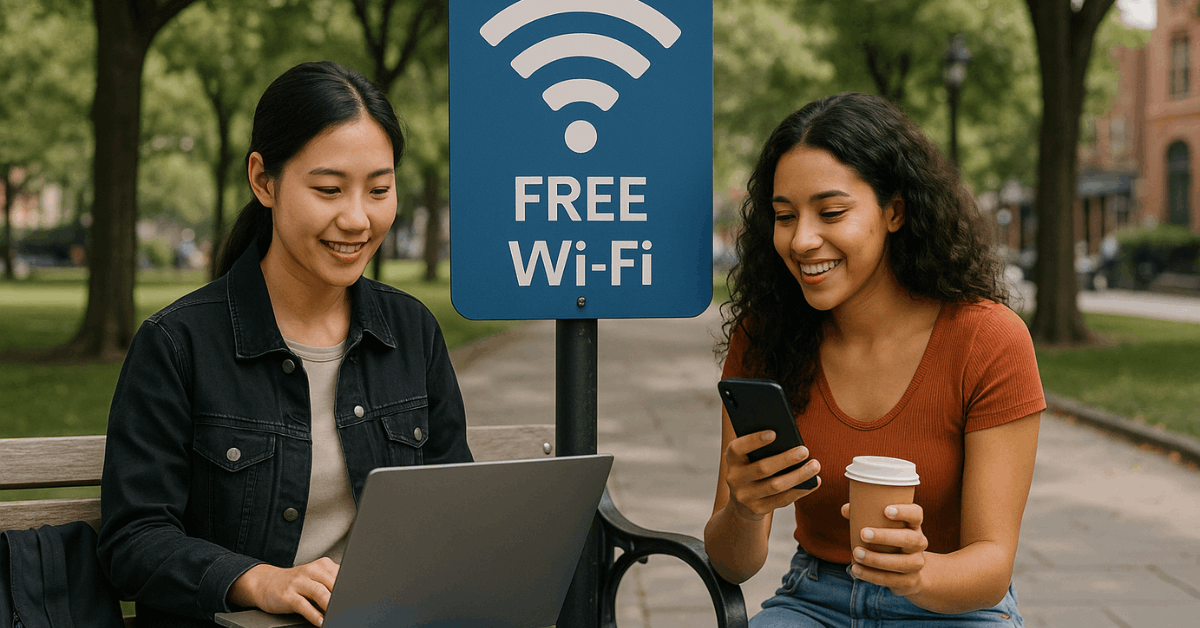
Open networks without passwords are often the most vulnerable, as they are easily exploited by hackers. Common locations like public parks or busy plazas may have these weak networks with little to no security.
If a network appears with a suspiciously strong signal and no login page, it’s best to avoid it. You should also stay away from hotspots with odd names or symbols, especially if you can’t confirm them with a reliable source.
Tips to Stay Safe When Using Free Wi-Fi
Even when using a trusted connection, you still need to take steps to protect yourself. These small habits can keep your data safe from most threats. You don’t need to be an expert—just careful and consistent.
Use a VPN
A VPN hides your online activity and encrypts your data. It protects you even if the Wi-Fi network is compromised.
You can find free or paid versions in app stores. Always turn it on before browsing sensitive content.
Turn Off Auto-Connect
Auto-connect can make your phone join unsafe networks without warning. This is dangerous if you’re near fake hotspots.
Disable this option in your Wi-Fi settings. Connect only when you’re sure the network is safe.
Stick to HTTPS Websites
Secure sites use HTTPS, which encrypts the page data. Look for the lock icon in the browser.
Avoid HTTP sites on public networks. Your browser may also warn you before entering an unsafe site.
Log Out After Use
Leaving your accounts open can lead to data leaks. Always log out when finished. This is especially important for email, banking, or work platforms. Closing all tabs also helps.
Install Mobile Security Tools
Apps like Avast, Bitdefender, and Kaspersky offer mobile protection. They scan for suspicious activity and block risky connections.
Some also include anti-theft features. Use them to monitor your online behavior.
Apps That Help You Locate Secure Wi-Fi
Finding safe Wi-Fi gets easier with the right tools. These apps help you locate reliable public hotspots based on your location. They include reviews, passwords, and network details from other users.
Instabridge
Instabridge is popular in Brazil and lets you search for Wi-Fi by city. It shows speed, password info, and ratings from locals.
You can download offline maps. This helps when you’re traveling or have no signal. Instabridge is available for download on both the Google Play Store and App Store.
WiFi Map
WiFi Map works globally and lists millions of hotspots. It shows passwords and notes from users. You can filter by security and speed.
This makes it easier to avoid risky networks. You can find WiFi Map on Google Play and the App Store.
WiFiman
WiFiman lists verified Wi-Fi in places like cafés, hotels, and airports. It highlights secure and fast options. It also lets you bookmark favorites.
Good for planning in unfamiliar areas. Wiman is available for Android on Google Play and for iOS on the App Store.
Downloading Wi-Fi Maps for Offline Use
Sometimes you won’t have a signal to search for Wi-Fi. Offline access to hotspot maps solves that. Many apps offer this feature for travelers.
With Instabridge or WiFi Map, you can download hotspot data by region. This gives you access even when offline.
You can plan your trip and know where to connect. It’s a smart move for remote locations.
When to Use Your Own Mobile Data Instead?
Some tasks are too sensitive for public Wi-Fi. You should use your own data in these cases. This protects your personal and financial information.
Banking apps and online payments should always be done on mobile data. The same goes for logging into work accounts or storing passwords.
If you don’t have a VPN, avoid public Wi-Fi for anything private. Consider data plans that include free WhatsApp or social media for safer access.
What to Do If You Suspect a Wi-Fi Hack?
Sometimes it’s too late, and you’ve already connected to a risky network. Don’t panic—just act quickly to reduce damage. Your goal is to cut off access and fix vulnerabilities.
Immediately disconnect from the Wi-Fi. Change your passwords on important accounts, especially email and banking.
Run an antivirus scan to detect and remove malware. If you see any suspicious logins, notify your bank or provider right away.
Final Thoughts on Staying Safe Online
To find free Wi-Fi without hackers, you must know where and how to connect. The safest options are trusted public spaces like libraries, malls, and cafés with password protection.
Using a VPN, disabling auto-connect, and checking for HTTPS can make a big difference. Staying cautious will protect your data and keep you one step ahead of online threats.